ClickOps is the practice of creating or changing cloud infrastructure through a provider's web console instead of through infrastructure as code. It is fast in the moment. Each click, though, can leave behind a resource with no code, no review, and often no clear owner.
Nearly every cloud account has some. The goal is not to shame anyone for using the console. It is to make sure what gets created there ends up somewhere the team can see it, review it, and rebuild it.
Why ClickOps Happens
ClickOps is usually a rational choice under pressure, not carelessness:
- Incidents: during an outage, opening a security group rule in the console is faster than a pull request.
- Experiments: a quick proof of concept rarely starts with a Terraform module.
- Vendor quick-starts: many setup guides walk through console screens, not code.
- Uneven IaC skills: not every team that needs infrastructure writes HCL every day.
- A slow reviewed path: if the code path takes days and the console takes minutes, people pick the console.
That last point matters most. Teams stop using the console when the reviewed path is close to as fast.
What ClickOps Costs Over Time
One console change is harmless. Hundreds of them, accumulated over years, create a cloud that nobody can fully describe:
- Drift: console edits to resources that are managed in code make the code wrong, and the next apply may quietly undo a fix.
- Unknown ownership: resources without tags or code have no obvious owner, so nobody feels safe deleting them.
- Cost leftovers: test databases and idle instances keep billing long after the experiment ends.
- Security exposure: a rule opened during an incident often stays open.
- Audit gaps: a change that never went through review has no approval record to show an auditor.
- Rebuild risk: if an environment exists only as console history, you cannot recreate it in another region or account.
How to Find ClickOps in Your Cloud
Start with the audit logs your provider already keeps. In AWS, CloudTrail records each API call, and events made from a console session carry sessionCredentialFromConsole set to true, which separates them from pipeline calls. Azure Activity Log and Google Cloud Audit Logs record who made each change; look for interactive user identities rather than the service accounts your pipelines use.
Logs tell you who clicked. They do not tell you what is missing from code. For that, compare a live inventory of your accounts with what your Terraform, OpenTofu, or CloudFormation state says it manages. Resources that appear in the inventory but not in any state are your ClickOps backlog. Tag conventions such as a managed-by tag help, but only for resources that were tagged in the first place.
How to Fix ClickOps Without Banning the Console
- 1Inventory first. Get a read-only list of what is running, with owners, cost, and dependencies, before changing anything.
- 2Decide per resource. For each unmanaged resource, choose to import it into code, replace it, or retire it. Retiring is often the cheapest fix.
- 3Import, do not recreate. Use Terraform or OpenTofu import blocks so the existing resource is adopted as-is, and review the plan until it shows no unexpected changes.
- 4Make the reviewed path faster. Templates, modules, and quick approvals for routine changes remove the reason people reach for the console.
- 5Keep a break-glass path. Allow console changes during incidents, then follow up with a pull request that captures the change in code.
- 6Watch for new drift. Compare live state with code on a schedule so new console changes surface in days, not at the next audit.
Worked Example: A Database Created for a Month-End Report
Illustrative scenario. Two years ago, the finance team needed a reporting database for month-end invoicing, and someone created it in the console. Today it shows 3% CPU, costs $3,100 a month, is not in any code, and has had no backup in 40 days. It looks idle, so it looks safe to delete.
It is not: month-end invoicing still reads it. The right fix is to take a backup, move invoicing to a supported database, and then retire the old one through a reviewed change, with finance and platform both approving. Deleting it from the console would have broken invoicing at month end.
How ops0 Helps Teams Move Off ClickOps
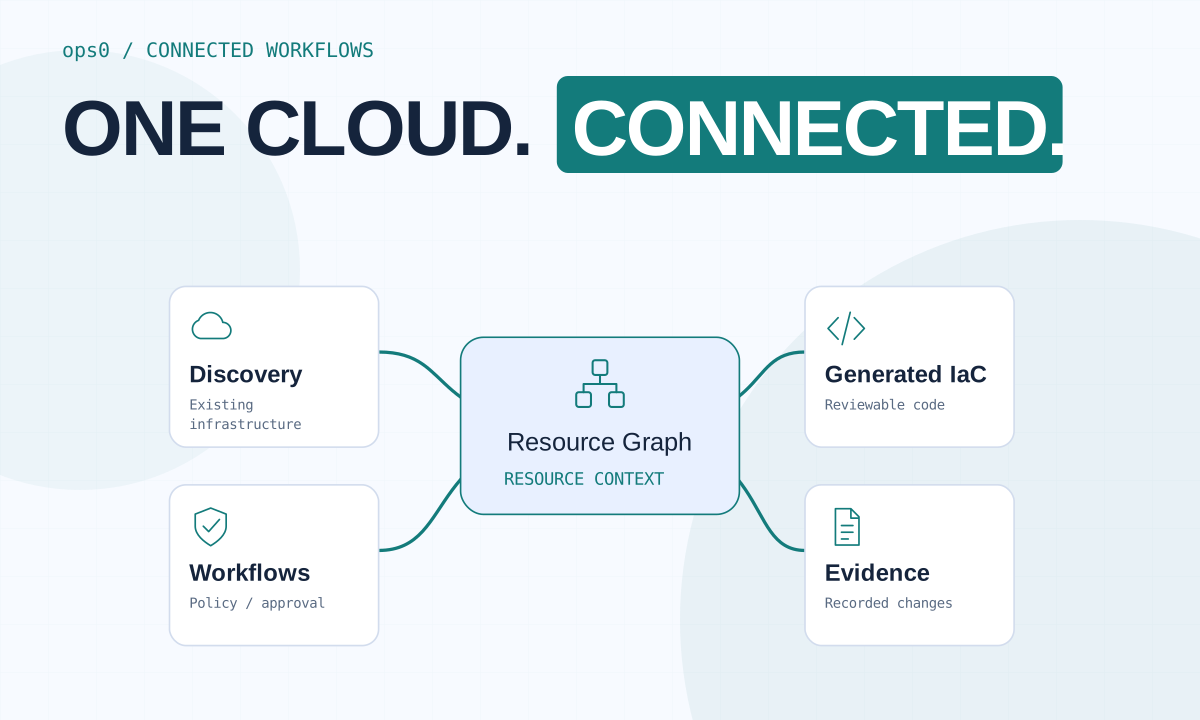
ops0 starts with read-only discovery across AWS, Google Cloud, Azure, and Oracle Cloud. It lists resources that are not represented in code, along with ownership signals, cost estimates, and the dependencies that make a resource risky to touch. Comparing discovery sessions shows what changed between scans, so new console changes do not stay hidden until the next audit.
For the resources you choose to keep, ops0 generates infrastructure code and a dependency-aware import order, so existing resources are adopted rather than recreated. Changes then move through plan, policy checks, cost, approval, and a pull request, and the person who starts a deployment cannot approve it.
Discovery is a point-in-time view: coverage depends on the permissions and resource types you connect, and changes made and reverted between two scans will not appear in the comparison. Recurring scans keep that window small.
What does ClickOps mean?
ClickOps means making infrastructure changes by clicking through a cloud provider's web console instead of defining them in infrastructure as code. The changes work, but they skip code review and leave no record in your repository.
Is ClickOps always bad?
No. The console is useful for exploring a service, for experiments, and during incidents. The problem is console changes that stay in place with no code, no owner, and no review. Capture those in code or retire them.
How do I detect console changes in AWS?
Use CloudTrail. Events made from an AWS Management Console session include sessionCredentialFromConsole set to true. To find resources missing from code, compare a live inventory of the account with your Terraform, OpenTofu, or CloudFormation state.
How do I move ClickOps resources into Terraform?
Write or generate the configuration, add import blocks for the existing resources, and run a plan. Review it until it shows no unexpected changes, then apply so Terraform adopts the resources without recreating them.
- CloudTrail record contents: AWS. Includes the sessionCredentialFromConsole field for console sessions.
- Azure Monitor activity log: Microsoft. Subscription-level record of who changed which resource.
- Cloud Audit Logs overview: Google Cloud. Admin activity logs for changes to Google Cloud resources.
- Import existing resources: HashiCorp. Import blocks for adopting existing infrastructure into Terraform state.


