Cluster security posture, tied to its code.
ops0 scans running workloads for container vulnerabilities, tracks certificate expiry, checks config against policy, and links every finding back to the IaC project that owns it, across EKS, GKE, AKS, OKE, and self-managed clusters.
ops0 brings your clouds, runtime, infrastructure code, and workflows into one operating context. Kubernetes security posture covers container vulnerability scanning across running workloads, certificate expiry tracking, policy checks on configuration, and incident correlation to deploy history, then links every finding back to the IaC project that owns it, before it becomes an outage.
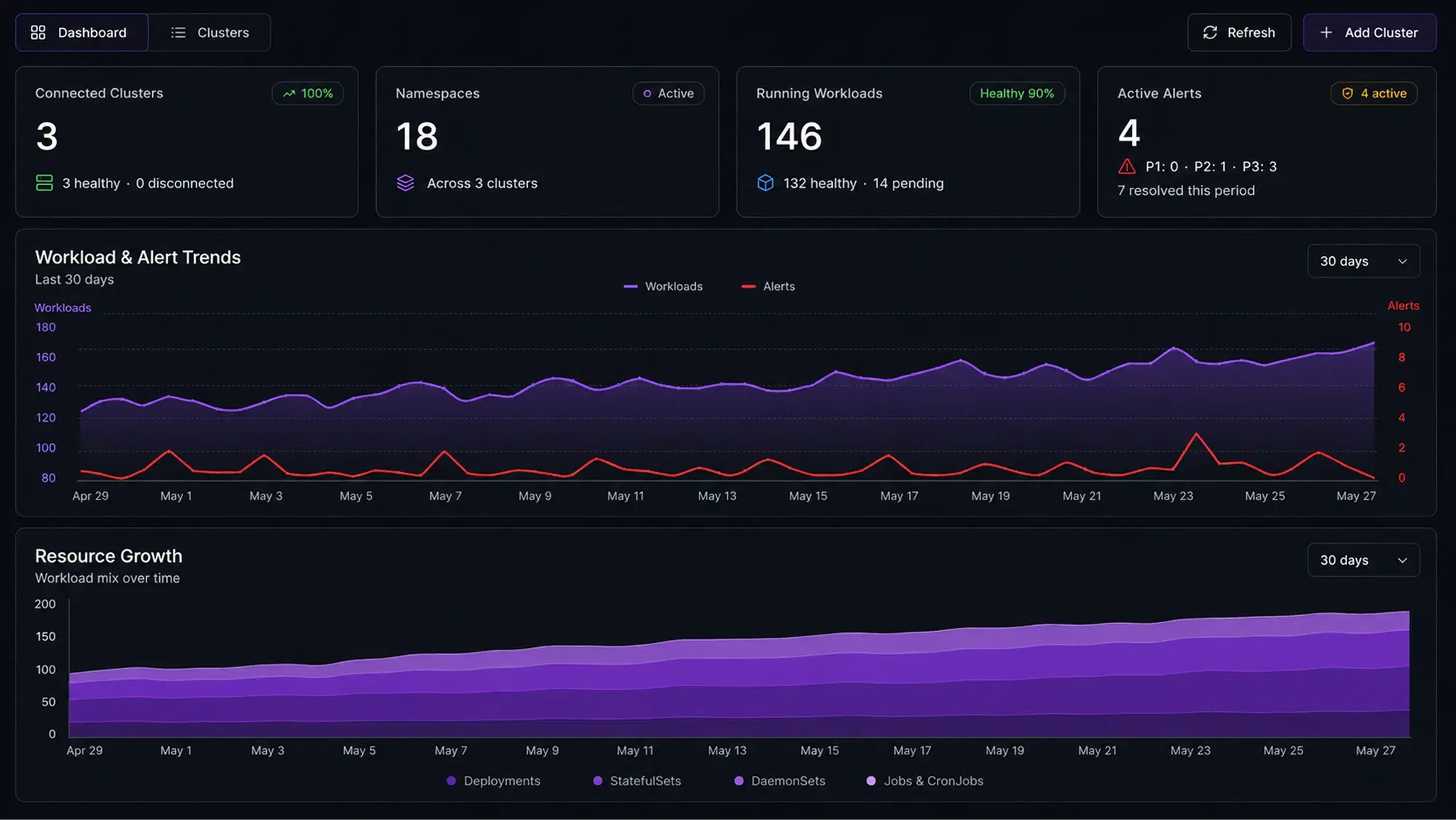
Cluster findings pile up in scanners nobody owns. ops0 sends each one back to the code that owns it.
Every running image, scanned.
Workloads across prod-eks are scanned for known vulnerabilities.
Runtime signal, on the same reviewed path.
Container risk, next to cluster operations.
Security posture, tied to the code that owns it.
Severity ranked by whether the image is running and reachable, across EKS, GKE, AKS, and self-managed clusters.
In practice
Review a Kubernetes finding, then verify the running workload.
Illustrative example: a Linux Deployment has no non-root requirement. Trace the pod to its owning manifest or Helm chart, review a compatible security context, and check the workload after the approved rollout.
Capture the finding
Record the cluster, namespace, workload, image, rule, and scan time. Inspect the current pod configuration and any container-level overrides.
Review the owning configuration
Confirm that the image supports a non-root user and that mounted files and writable paths have the right permissions. Choose a UID compatible with the application.
Validate and approve the change
Update the source manifest or chart, test it in an appropriate environment, and review the diff and policy checks through your team’s change process.
Verify rollout and rescan
Check Deployment readiness, pod events, and application health. Inspect the new pods, rerun the relevant configuration check, and attach the result to the original finding.
Illustrative Deployment pod-template fragment
Merge this fragment into the owning configuration after compatibility checks. UID 10001 is an example and must match the application’s requirements.
spec:
  template:
    spec:
      securityContext:
        runAsNonRoot: true
        runAsUser: 10001
A non-root setting addresses this configuration issue. Image vulnerabilities, network exposure, and other policy findings need their own remediation and verification.
Common questions
Runtime findings should not
die in runtime tools.
ops0 keeps cluster issues connected to the reviewed workflow that can actually fix them, and Kiwi explains what happened in plain language.